 wastebin
[](https://github.com/matze/wastebin/actions/workflows/rust.yml)
## support 🇺🇦 • defend 🇪🇺
A minimal pastebin with a design shamelessly copied from
[bin](https://github.com/WantGuns/bin).
wastebin
[](https://github.com/matze/wastebin/actions/workflows/rust.yml)
## support 🇺🇦 • defend 🇪🇺
A minimal pastebin with a design shamelessly copied from
[bin](https://github.com/WantGuns/bin).
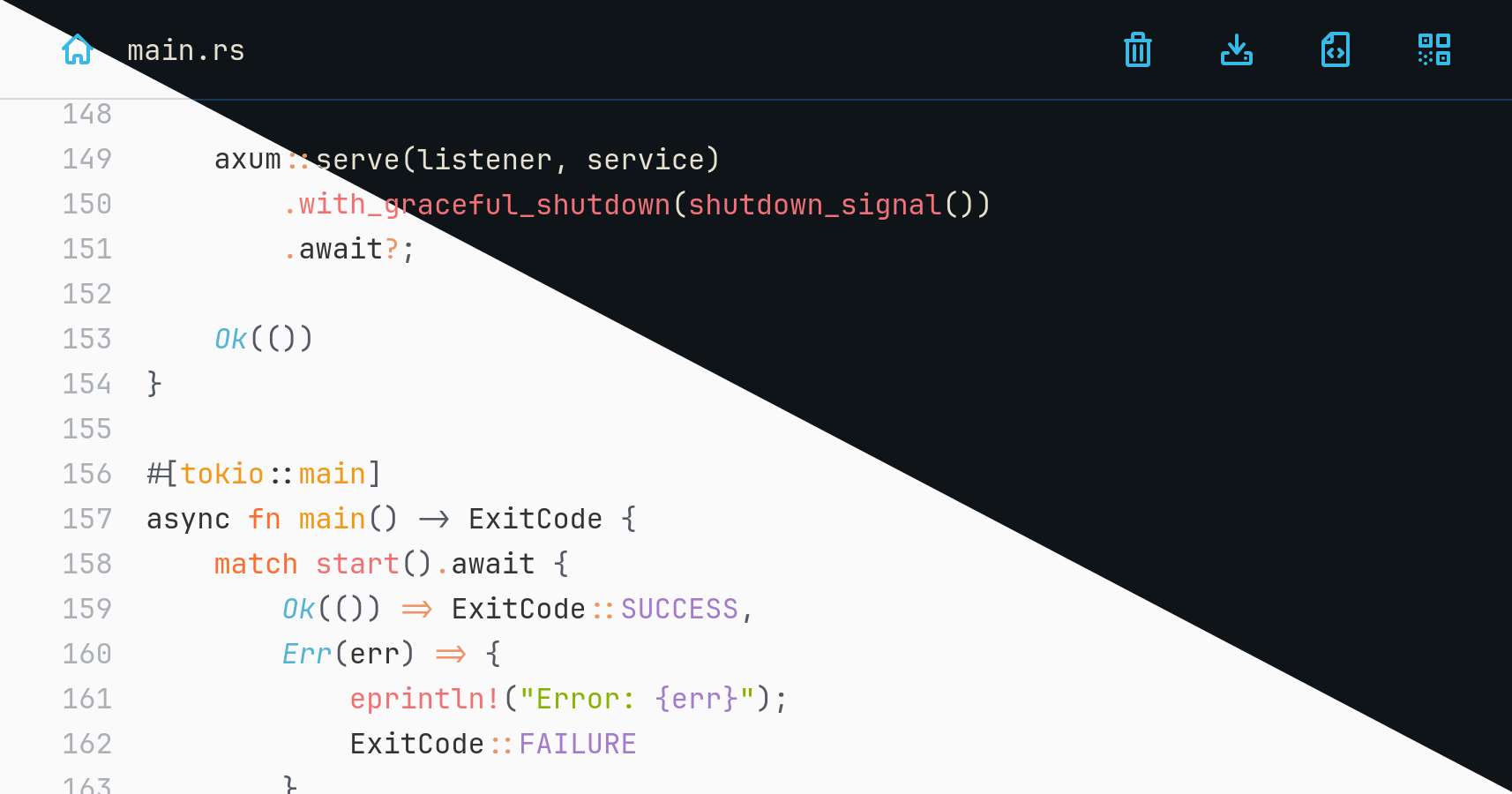
DEMO (resets every day)
You are reading the documentation for an **unreleased version**. You can refer to earlier versions here: [2.7.1](https://github.com/matze/wastebin/tree/85a519ef9079c4618f851cce575b5a84334a6f42) • [3.0.0](https://github.com/matze/wastebin/tree/14a30bb540110e76da6a6045cd0e83fd2218cdd7) ## Features * [axum](https://github.com/tokio-rs/axum) and [sqlite3](https://www.sqlite.org) backend * comes as a single binary with low memory footprint * compresses pastes using [zstd](https://github.com/facebook/zstd) * highlights entries with [syntect](https://github.com/trishume/syntect) * has seven color themes in light and dark mode * encrypts entries using ChaCha20Poly1305 and argon2 hashed passwords * allows deletion after expiration, after reading or by anonymous owners * shows QR code to browse a paste's URL on mobile devices ### Non-features * user authentication and admin functionality * arbitrary file uploads * mitigations for all kinds of DoS attack vectors > [!CAUTION] > Due to lack of authentication and further DoS mitigations, it is not advised > to run wastebin facing the internet _as is_. If you plan to do so, you are > strongly advised to rate limit inbound requests via iptables rules or a > properly configured reverse proxy of your choice. ## Installation ### Run pre-built binaries You can download pre-built, statically compiled [Linux binaries](https://github.com/matze/wastebin/releases). After extraction run the contained `wastebin` binary. ### Run a Docker image Alternatively, you can run a pre-built Docker image pushed to `quxfoo/wastebin`. To persist the database as `state.db` via the `WASTEBIN_DATABASE_PATH` environment variable use a bind mount to `/path/for/storage` like this ```bash docker run -e WASTEBIN_DATABASE_PATH=/data/state.db -v /path/for/storage:/data quxfoo/wastebin:latest ``` > [!NOTE] > The image is based on scratch which means it neither comes with a shell nor > with `TMPDIR` being set. If database migrations fail with an extended sqlite > error code 6410, pass `TMPDIR` pointing to a location sqlite can write to. ### Run with docker-compose ```yaml services: wastebin: restart: always environment: - WASTEBIN_DATABASE_PATH=/data/state.db ports: - "8088:8088" volumes: - './data:/data' image: 'quxfoo/wastebin:latest' ``` Make sure the `./data` folder is writable by the user 10001. ### Run with Nix For Nix users, a `flake.nix` is also provided. Build and execute it directly with: ```bash nix run 'github:matze/wastebin#wastebin' ``` Or install the provided `wastebin` package like you normally would. ### Build from source Install a Rust 2024 toolchain containing Rust 1.85 with [rustup](https://rustup.rs) and run the server binary with ```bash cargo run --release ``` ### Build a container image It is possible to build a container image using Docker or Podman. Assuming you are in the root directory of the repository run ```bash # Docker sudo docker build -t wastebin:v3.0.0 -f Dockerfile . # Podman podman build -t wastebin:v3.0.0 -f Dockerfile ``` To cross-compile, make sure that your container engine of choice supports it, e.g. Docker: ```bash sudo docker buildx ls NAME/NODE DRIVER/ENDPOINT STATUS BUILDKIT PLATFORMS default* docker \_ default \_ default running v0.14.1 linux/amd64, linux/amd64/v2, linux/386, linux/arm64, linux/riscv64, linux/ppc64, linux/ppc64le, linux/s390x, linux/mips64le, linux/mips64, linux/loong64, linux/arm/v7, linux/arm/v6 ``` To build an arm64 image on an x86_64 host run ```bash # Docker sudo docker build --platform linux/arm64 -t wastebin:v3.0.0-arm64 -f Dockerfile.arm . # Podman podman build --arch=arm64 -t wastebin:v3.0.0-arm64 -f Dockerfile.arm ``` ## Usage ### Browser interface When viewing a paste, you can use * r to view the raw paste, * n to go the index page, * y to copy the current URL to the clipboard, * c to copy the content to the clipboard, * q to display the current URL as a QR code, * p to view the formatted paste and * ? to view the list of keybindings. To paste some text you can also use the ctrl+s key combination. ### Configuration The following environment variables can be set to configure the server and run-time behavior: | Variable | Description | Default | | --------------------------------- | ------------------------------------------------------------- | --------------------- | | `WASTEBIN_ADDRESS_PORT` | Address and port to bind the server to. | `0.0.0.0:8088` | | `WASTEBIN_BASE_URL` | Base URL for the QR code display. | | | `WASTEBIN_CACHE_SIZE` | Number of rendered items to cache. Disable with 0. | `128` | | `WASTEBIN_DATABASE_PATH` | Path to the sqlite3 database file. | `:memory:` | | `WASTEBIN_HTTP_TIMEOUT` | Maximum number of seconds a request is processed until wastebin responds with 408. | `5` | | `WASTEBIN_MAX_BODY_SIZE` | Number of bytes to accept for POST requests. | `1048576`, i.e. 1 MB | | `WASTEBIN_PASSWORD_SALT` | Salt used to hash user passwords used for encrypting pastes. | `somesalt` | | `WASTEBIN_PASTE_EXPIRATIONS` | Possible paste expirations as a comma-separated list of seconds. Appending `=d` to one of the value makes it the default selection. | see [here](https://github.com/matze/wastebin/blob/master/crates/wastebin_server/src/env.rs#L135) | | `WASTEBIN_SIGNING_KEY` | Key to sign cookies. Must be at least 64 bytes long. | Random key generated at startup, i.e. cookies will become invalid after restarts and paste creators will not be able to delete their pastes. | | `WASTEBIN_THEME` | Theme colors, one of `ayu`, `base16ocean`, `coldark`, `gruvbox`, `monokai`, `onehalf`, `solarized`. | `ayu` | | `WASTEBIN_TITLE` | HTML page title. | `wastebin` | | `RUST_LOG` | Log level. Besides the typical `trace`, `debug`, `info` etc. keys, you can also set the `tower_http` key to a log level to get additional request and response logs. | | ### API endpoints POST a new paste to the `/` endpoint with the following JSON payload: ``` { "text": "