# MVTImageryProvider_new
**Repository Path**: jslibs/mvtimagery-provider_new
## Basic Information
- **Project Name**: MVTImageryProvider_new
- **Description**: osm支持矢量瓦片
- **Primary Language**: Unknown
- **License**: MIT
- **Default Branch**: dev
- **Homepage**: None
- **GVP Project**: No
## Statistics
- **Stars**: 1
- **Forks**: 0
- **Created**: 2024-12-26
- **Last Updated**: 2025-08-09
## Categories & Tags
**Categories**: Uncategorized
**Tags**: None
## README
# MVTImageryProvider
Render Mapbox style in CesiumJs. This project is very simple, because the complex rendering task is compeleted by mapbox-gl-js, you should also check [Mapbox-vector-tiles-basic-js-renderer](https://github.com/landtechnologies/Mapbox-vector-tiles-basic-js-renderer) for more detail.
 
## Install
```bash
#npm
npm install --save mvt-imagery-provider
#pnpm
pnpm add mvt-imagery-provider
```
## Usage
```ts
import * as Cesium from "cesium";
import MVTImageryProvider from 'mvt-imagery-provider';
const cesiumViewer = new Cesium.Viewer("cesiumContainer");
const provider = new MVTImageryProvider({
style: 'https://demotiles.maplibre.org/style.json',
});
cesiumViewer.imageryLayers.addImageryProvider(provider);
```
## API
```ts
class MVTImageryProvider {
/**
* create a MVTImageryProvider Object
* @param {MVTImageryProviderOptions} options MVTImageryProvider options as follow:
* @param {Resource | string | StyleSpecification} options.style - mapbox style object or url Resource.
* @param {string} options.accessToken - mapbox style accessToken.
* @param {RequestTransformFunction} options.transformRequest - use transformRequest to modify tile requests.
* @param {Number} [options.tileSize = 256] - can be 256 or 512. defaults to 256.
* @param {Number} [options.maximumLevel = 18] - if cesium zoom level exceeds maximumLevel, layer will be invisible, defaults to 18.
* @param {Number} [options.minimumLevel = 0] - if cesium zoom level belows minimumLevel, layer will be invisible, defaults to 0.
* @param {Boolean} [options.showCanvas = false] - if show canvas for debug.
* @param {Function} options.sourceFilter - sourceFilter is used to filter which source participate in pickFeature process.
* @param {WebMercatorTilingScheme | GeographicTilingScheme} [options.tilingScheme = WebMercatorTilingScheme] - Cesium tilingScheme, defaults to WebMercatorTilingScheme(EPSG: 3857).
* @param {Credit} options.credit - A credit contains data pertaining to how to display attributions/credits for certain content on the screen.
* @example
* const imageryProvider = new MVTImageryProvider({
style: 'https://demotiles.maplibre.org/style.json'
});
*/
constructor(options: MVTImageryProviderOptions);
/**
* get mapbox style json obj
*/
get style(): StyleSpecification;
get isDestroyed(): boolean;
/**
* Gets an event that will be raised if an error is encountered during processing.
* @memberof GeoJsonDataSource.prototype
* @type {Event}
*/
get errorEvent(): Event<(...args: any[]) => void>;
requestImage(x: number, y: number, level: number, releaseTile?: boolean): Promise | undefined;
pickFeatures(x: number, y: number, zoom: number, longitude: number, latitude: number): Promise;
destroy(): void;
}
type MVTImageryProviderOptions = {
style: string | Resource | StyleSpecification;
/** accessToken needed if mapbox style not public */
accessToken?: string;
/** forceHTTPS defaults false */
/**
* A `RequestParameters` object to be returned from Map.options.transformRequest callbacks.
* @return {Object} RequestParameters
* @property {string} url The URL to be requested.
* @property {Object} headers The headers to be sent with the request.
* @property {string} method Request method `'GET' | 'POST' | 'PUT'`.
* @property {string} body Request body.
* @property {string} type Response body type to be returned `'string' | 'json' | 'arrayBuffer'`.
* @property {string} credentials `'same-origin'|'include'` Use 'include' to send cookies with cross-origin requests.
* @property {boolean} collectResourceTiming If true, Resource Timing API information will be collected for these transformed requests and returned in a resourceTiming property of relevant data events.
* @example
* // use transformRequest to modify requests that begin with `http://myHost`
* transformRequest: function(url, resourceType) {
* if (resourceType === 'Source' && url.indexOf('http://myHost') > -1) {
* return {
* url: url.replace('http', 'https'),
* headers: { 'my-custom-header': true },
* credentials: 'include' // Include cookies for cross-origin requests
* }
* }
* }
*/
transformRequest?: RequestTransformFunction;
showCanvas?: boolean;
tileSize?: number;
maximumLevel?: number;
minimumLevel?: number;
credit?: string;
hasAlphaChannel?: boolean;
sourceFilter?: any;
tilingScheme?: WebMercatorTilingScheme | GeographicTilingScheme;
};
```
## StyleSpecification
Reference to the [Mapbox Style Specification](https://docs.mapbox.com/mapbox-gl-js/style-spec/root/)
## Demo
[online Demo](https://mvti-magery-provider.vercel.app/)
Launch the app in the demo folder, and then visit http://localhost:8080/
```node
yarn
npm start
```
| [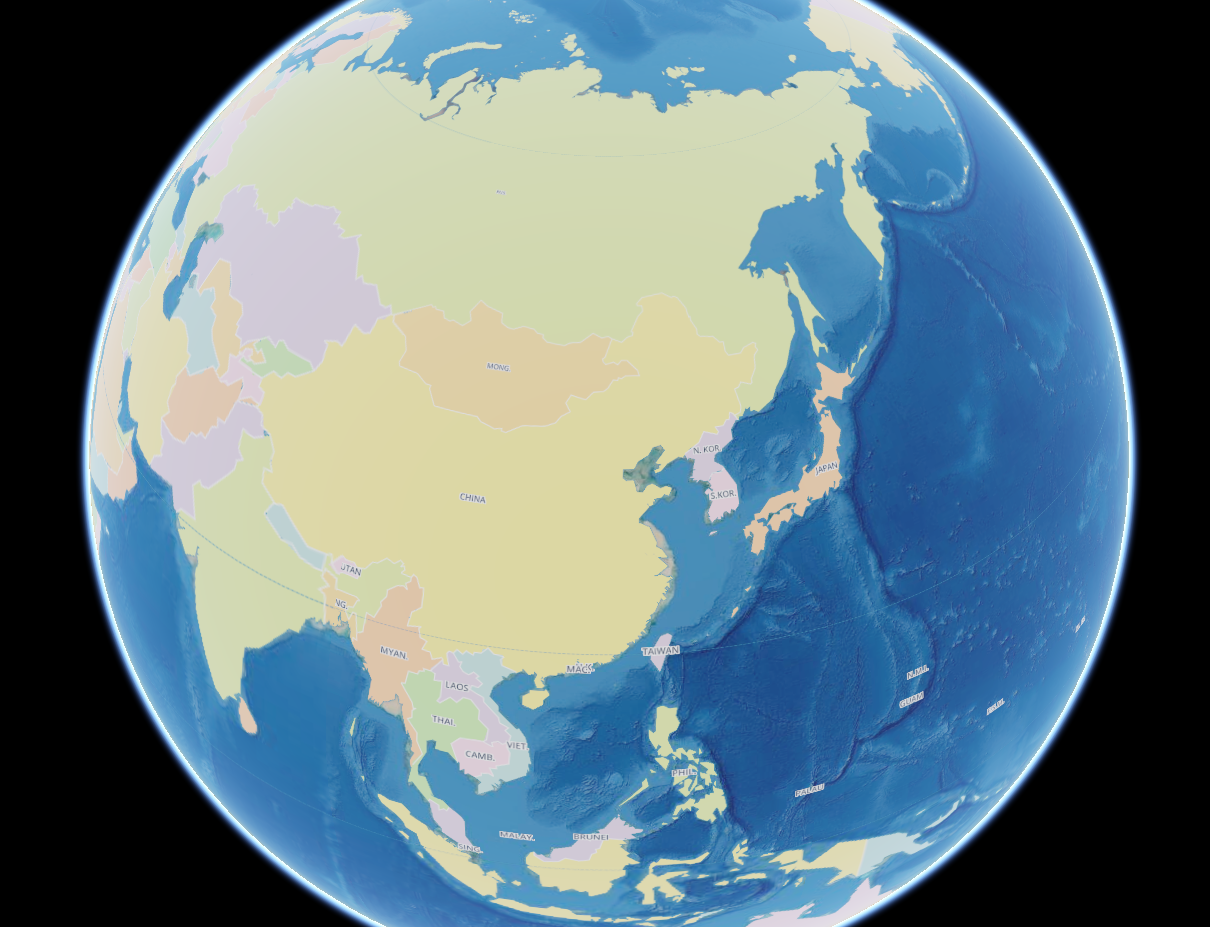](https://imgtu.com/i/bguCSe) | [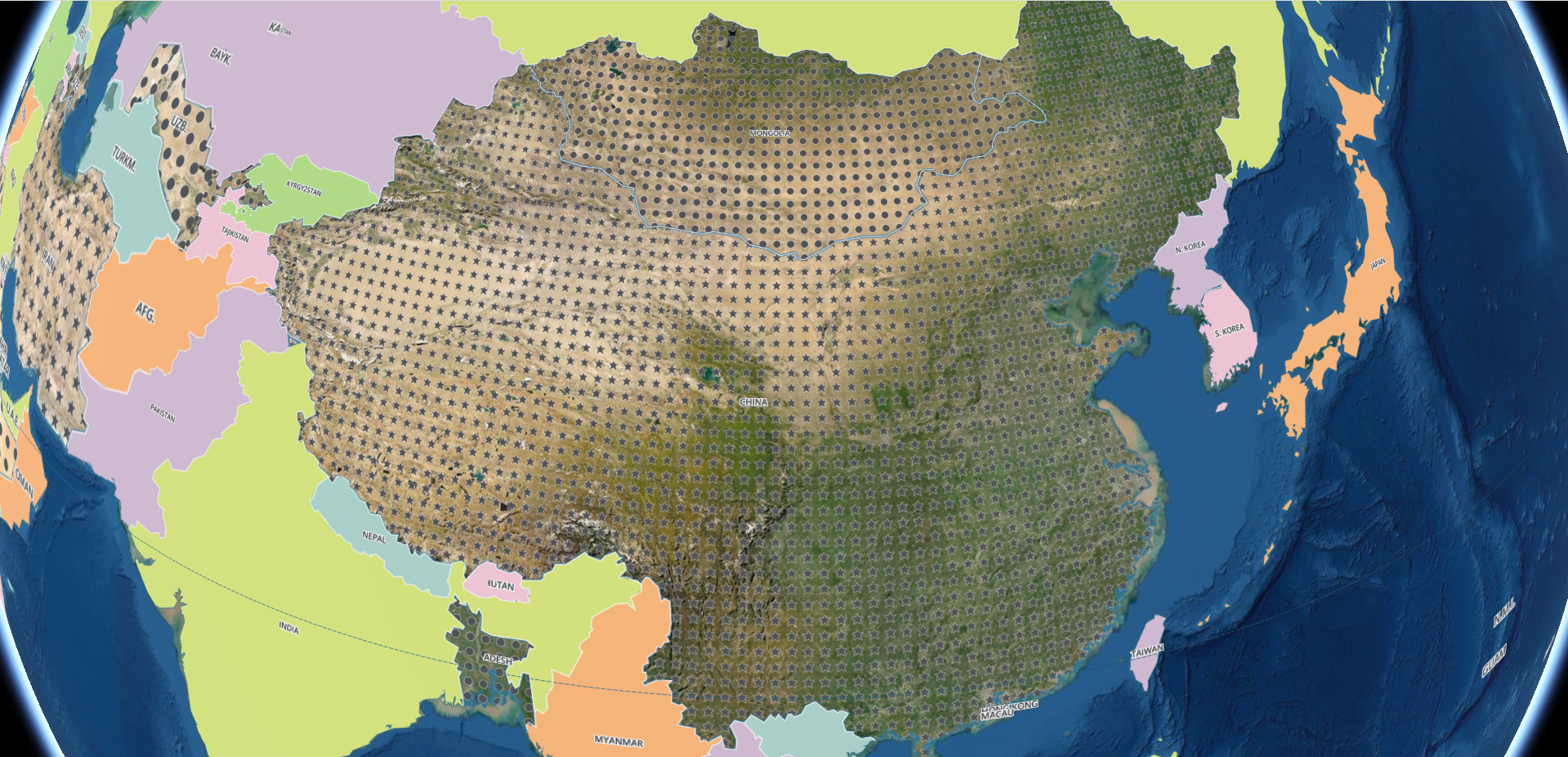](https://imgtu.com/i/bguQyj) |
| ------- | ------- |
## Credit
https://github.com/kikitte/MVTImageryProvider