# three-lab-demos
**Repository Path**: giser2017/three-lab-demos
## Basic Information
- **Project Name**: three-lab-demos
- **Description**: 一款让你的三维可视化项目快速落地の开源框架 🎊🎉🎉 永久开源免费商用 数字孪生 三维可视化web3d+AI 开源社区, threejs webgl three three.js webgpu
- **Primary Language**: JavaScript
- **License**: Apache-2.0
- **Default Branch**: main
- **Homepage**: None
- **GVP Project**: No
## Statistics
- **Stars**: 58
- **Forks**: 16
- **Created**: 2024-07-31
- **Last Updated**: 2026-05-05
## Categories & Tags
**Categories**: Uncategorized
**Tags**: None
## README
# 💎 Three.js & Cesium 3D 案例分享
> Web3D+GIS 开源社区平台,专注于 Three.js 和 Cesium 的案例展示与分享
[](https://github.com/threelab/three-lab-demos)
[](https://github.com/threelab/three-lab-demos)
[](https://github.com/threelab/three-lab-demos/blob/main/LICENSE)
[](https://threelab.github.io/three-lab-demos/)
---
## 📖 项目简介
本平台是一个专注于 **Three.js** 和 **Cesium** 的 Web3D 开源案例库,提供丰富的三维可视化示例,涵盖着色器、地图服务、动画效果等多个领域。
### ✨ 平台特性
- 🎯 **丰富案例**:包含数百个原生 Three.js 和 Cesium 示例
- 🎨 **着色器特效**:从入门到精通的完整着色器教程系列
- 🗺️ **GIS 地图**:支持多种在线/离线地图服务接入
- ⚡ **高性能渲染**:优化的大量点、线、面数据渲染方案
- 🌐 **分布式存储**:支持资源的分布式部署和加载
### 🚀 在线预览
- **主站**:https://threelab.github.io/three-lab-demos/#/example
- **国内镜像**:https://gitee.com/giser2017/three-lab-demos
- **社区讨论**:https://github.com/threelab/three-lab-demos/discussions
---
## 📁 项目结构
```
├── assets/ # 静态资源目录
├── config/ # 配置文件目录
│ ├── links.js # 导航链接配置
│ ├── author.js # 作者信息配置
│ ├── three-examples.json # Three.js案例配置(JSON格式)
│ └── cesium-examples.json # Cesium案例配置(JSON格式)
├── files/ # 音视频模型等公共资源
├── js/ # 第三方依赖库(dat.gui, gsap等)
├── threeExamples/ # Three.js案例代码目录
└── cesiumExamples/ # Cesium案例代码目录
```
## 🌳 案例
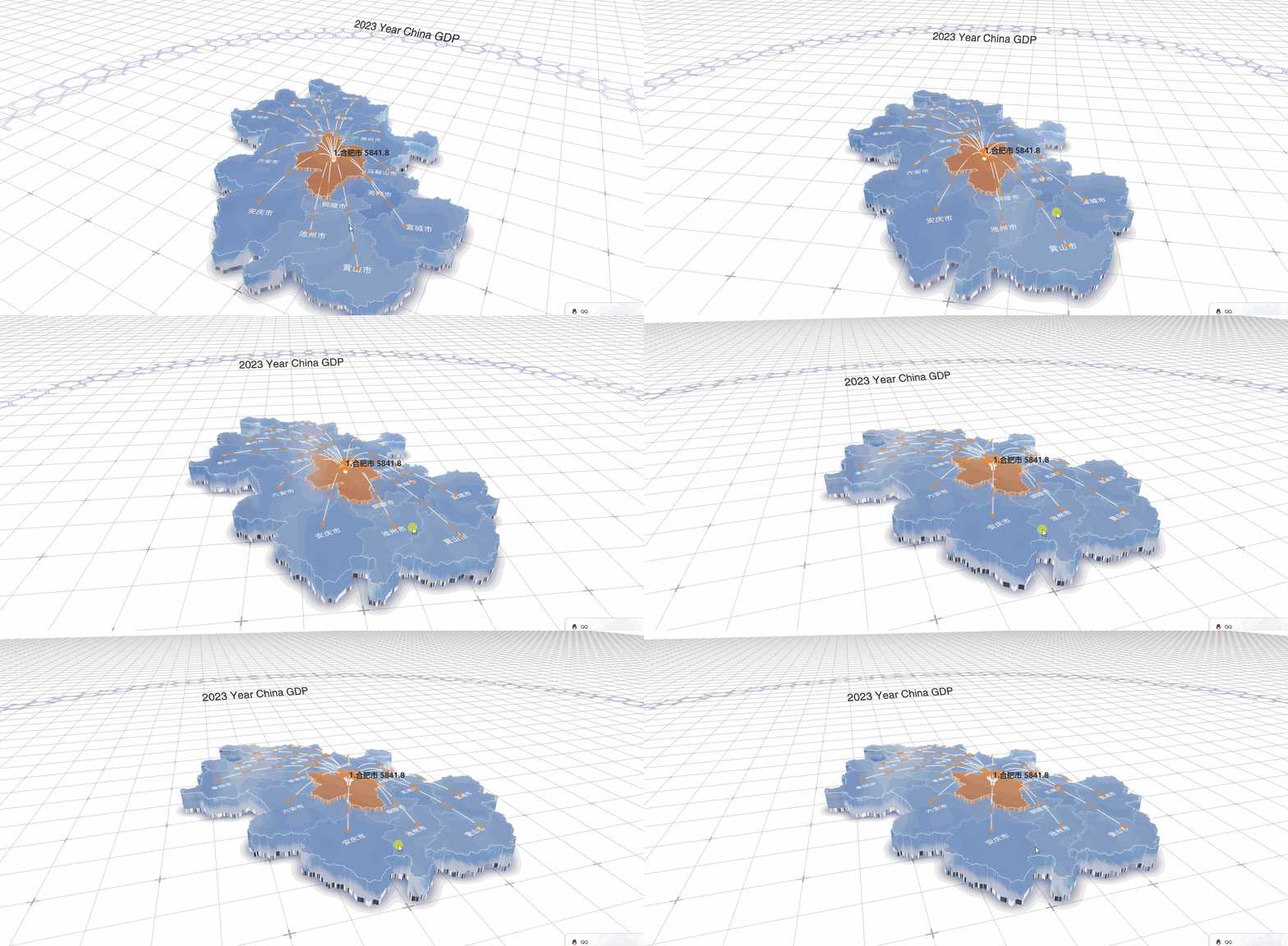
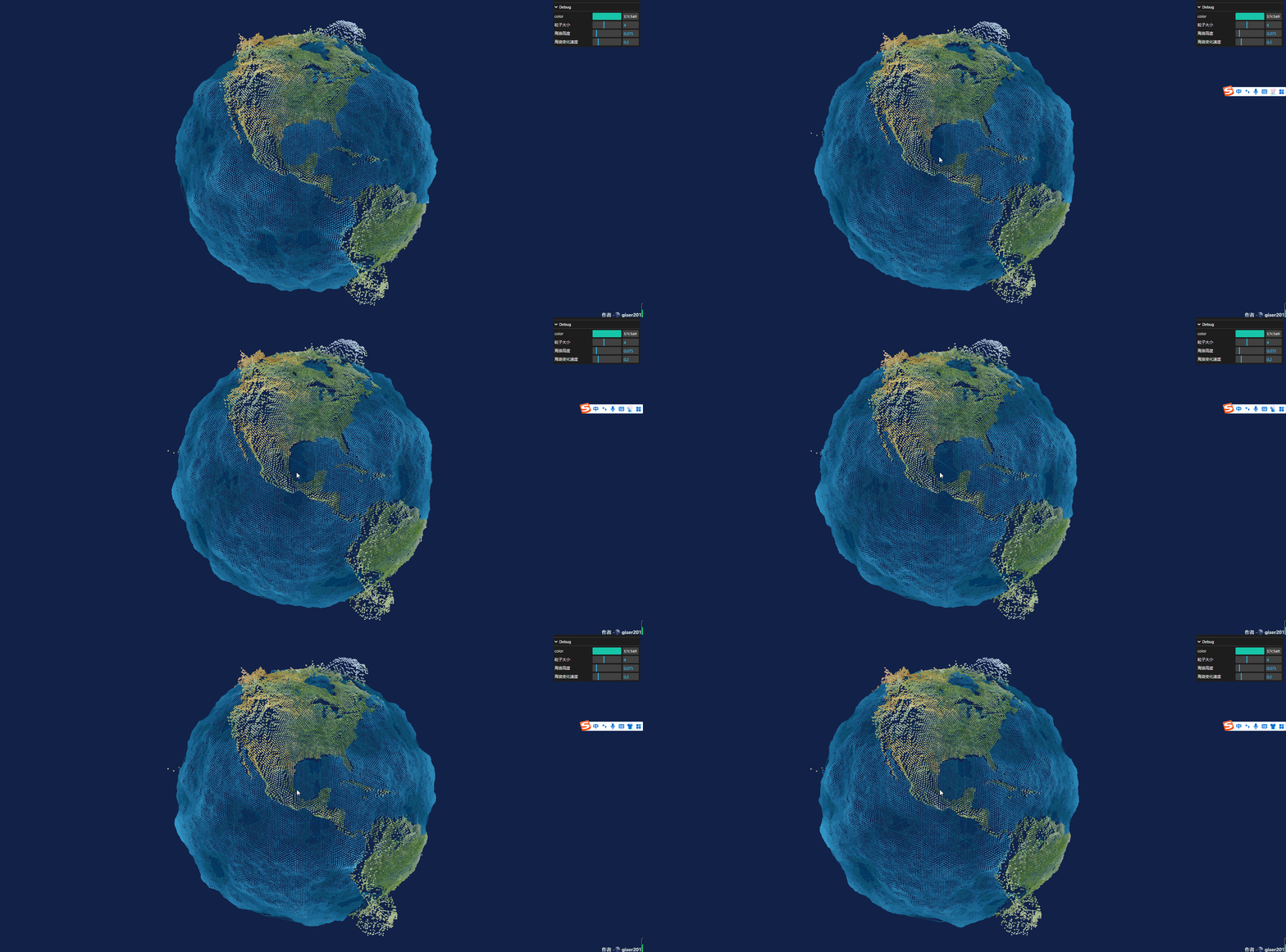 ### 📋 配置文件说明
| 文件 | 说明 |
| :--- | :--- |
| `three-examples.json` | Three.js案例配置,包含ID、名称、作者、代码路径、预览图等元数据 |
| `cesium-examples.json` | Cesium案例配置,包含图层、离线地图、基础功能、扩展功能等分类 |
| `links.js` | 网站全局链接配置(导航、Logo等) |
| `author.js` | 作者信息配置,提交案例时关联ID展示作者信息 |
---
## 🛠️ 快速开始
### 本地运行
```bash
# 克隆仓库
git clone https://github.com/threelab/three-lab-demos.git
# 进入目录
cd three-lab-demos
# 使用静态服务器运行(推荐使用 serve)
npx serve
```
### 部署到 GitHub Pages
1. 创建 GitHub 仓库
2. 进入 **Settings > Pages**
3. **Build and deployment > Source** 选择 `deploy from a branch`
4. 选择对应分支即可
---
## 📤 案例提交规范
### 文件结构
将案例文件放入对应目录:
```
threeExamples/
└── basic/
├── test.js # 案例代码
└── test.jpg # 预览图片
```
### 配置格式
在 `config/three-examples.json` 或 `config/cesium-examples.json` 中添加:
```json
{
"id": "unique-id",
"name": "案例名称",
"author": "作者ID",
"codeUrl": "/threeExamples/basic/test.html",
"image": "/threeExamples/basic/test.jpg",
"meta": {
"title": "页面标题",
"keywords": "关键字",
"description": "描述信息"
}
}
```
### 资源管理
- **依赖库**:放入 `js/` 目录(如 dat.gui、gsap)
- **公共资源**:放入 `files/` 目录(音视频、模型等)
- **图片规范**:压缩至 **4KB 以内**,使用 `example-name.jpg` 命名格式
---
## 🌟 贡献指南
欢迎提交 PR!如需加入仓库管理:
| 联系方式 | 地址 |
| :--- | :--- |
| QQ | 2945853209 |
| QQ群 | 131995948 |
---
## 📄 许可证
MIT License
---
# 💎 Three.js & Cesium 3D Cases Platform
> Web3D+GIS open source community platform focused on Three.js and Cesium case demonstrations.
[](https://github.com/threelab/three-lab-demos)
[](https://github.com/threelab/three-lab-demos)
[](https://github.com/threelab/three-lab-demos/blob/main/LICENSE)
## 📖 Introduction
This platform is an open-source Web3D case library focusing on **Three.js** and **Cesium**, providing rich 3D visualization examples covering shaders, map services, animation effects and more.
### ✨ Features
- 🎯 **Rich Examples**: Hundreds of native Three.js and Cesium examples
- 🎨 **Shader Effects**: Complete shader tutorial series from beginner to advanced
- 🗺️ **GIS Maps**: Support for multiple online/offline map services
- ⚡ **High Performance**: Optimized rendering for large point/line/polygon datasets
- 🌐 **Distributed Storage**: Support for distributed resource deployment
### 🚀 Live Demo
- **Main**: https://threelab.github.io/three-lab-demos/#/example
- **Mirror**: https://gitee.com/giser2017/three-lab-demos
- **Discussions**: https://github.com/threelab/three-lab-demos/discussions
---
## 📁 Project Structure
```
├── assets/ # Static assets
├── config/ # Configuration files
├── files/ # Common resources (audio, video, models)
├── js/ # Third-party libraries
├── threeExamples/ # Three.js examples
└── cesiumExamples/ # Cesium examples
```
## 🛠️ Quick Start
```bash
git clone https://github.com/threelab/three-lab-demos.git
cd three-lab-demos
npx serve
```
## 📤 Contribution
Welcome PRs! For repository management, contact QQ: 2945853209
## 📄 License
MIT License
### 📋 配置文件说明
| 文件 | 说明 |
| :--- | :--- |
| `three-examples.json` | Three.js案例配置,包含ID、名称、作者、代码路径、预览图等元数据 |
| `cesium-examples.json` | Cesium案例配置,包含图层、离线地图、基础功能、扩展功能等分类 |
| `links.js` | 网站全局链接配置(导航、Logo等) |
| `author.js` | 作者信息配置,提交案例时关联ID展示作者信息 |
---
## 🛠️ 快速开始
### 本地运行
```bash
# 克隆仓库
git clone https://github.com/threelab/three-lab-demos.git
# 进入目录
cd three-lab-demos
# 使用静态服务器运行(推荐使用 serve)
npx serve
```
### 部署到 GitHub Pages
1. 创建 GitHub 仓库
2. 进入 **Settings > Pages**
3. **Build and deployment > Source** 选择 `deploy from a branch`
4. 选择对应分支即可
---
## 📤 案例提交规范
### 文件结构
将案例文件放入对应目录:
```
threeExamples/
└── basic/
├── test.js # 案例代码
└── test.jpg # 预览图片
```
### 配置格式
在 `config/three-examples.json` 或 `config/cesium-examples.json` 中添加:
```json
{
"id": "unique-id",
"name": "案例名称",
"author": "作者ID",
"codeUrl": "/threeExamples/basic/test.html",
"image": "/threeExamples/basic/test.jpg",
"meta": {
"title": "页面标题",
"keywords": "关键字",
"description": "描述信息"
}
}
```
### 资源管理
- **依赖库**:放入 `js/` 目录(如 dat.gui、gsap)
- **公共资源**:放入 `files/` 目录(音视频、模型等)
- **图片规范**:压缩至 **4KB 以内**,使用 `example-name.jpg` 命名格式
---
## 🌟 贡献指南
欢迎提交 PR!如需加入仓库管理:
| 联系方式 | 地址 |
| :--- | :--- |
| QQ | 2945853209 |
| QQ群 | 131995948 |
---
## 📄 许可证
MIT License
---
# 💎 Three.js & Cesium 3D Cases Platform
> Web3D+GIS open source community platform focused on Three.js and Cesium case demonstrations.
[](https://github.com/threelab/three-lab-demos)
[](https://github.com/threelab/three-lab-demos)
[](https://github.com/threelab/three-lab-demos/blob/main/LICENSE)
## 📖 Introduction
This platform is an open-source Web3D case library focusing on **Three.js** and **Cesium**, providing rich 3D visualization examples covering shaders, map services, animation effects and more.
### ✨ Features
- 🎯 **Rich Examples**: Hundreds of native Three.js and Cesium examples
- 🎨 **Shader Effects**: Complete shader tutorial series from beginner to advanced
- 🗺️ **GIS Maps**: Support for multiple online/offline map services
- ⚡ **High Performance**: Optimized rendering for large point/line/polygon datasets
- 🌐 **Distributed Storage**: Support for distributed resource deployment
### 🚀 Live Demo
- **Main**: https://threelab.github.io/three-lab-demos/#/example
- **Mirror**: https://gitee.com/giser2017/three-lab-demos
- **Discussions**: https://github.com/threelab/three-lab-demos/discussions
---
## 📁 Project Structure
```
├── assets/ # Static assets
├── config/ # Configuration files
├── files/ # Common resources (audio, video, models)
├── js/ # Third-party libraries
├── threeExamples/ # Three.js examples
└── cesiumExamples/ # Cesium examples
```
## 🛠️ Quick Start
```bash
git clone https://github.com/threelab/three-lab-demos.git
cd three-lab-demos
npx serve
```
## 📤 Contribution
Welcome PRs! For repository management, contact QQ: 2945853209
## 📄 License
MIT License